Enter the property address
The first step in using an Airbnb revenue calculator is to provide the exact property location. This action triggers the tool to pull comparable market data, including average daily rates and occupancy levels, from the specific neighborhood. Without a precise address, the calculator cannot anchor its projections to real-world comp sets, rendering the resulting ROI estimates unreliable.
Input the full street address
Navigate to the calculator interface and locate the address field. Enter the complete street address, including the unit number if applicable. Accuracy here is critical because short-term rental performance varies significantly by block. A property located two streets away from the beach or a major transit hub may command a premium that a generic city-level search misses. Most reputable tools, such as AirDNA or BNBCalc, require the full address to query their databases of verified short-term rental transactions.
Verify the location on the map
After typing the address, check the map preview to ensure the pin is placed correctly. Misplaced pins can skew data by pulling comps from a different zoning district or neighborhood cluster. If the pin is off, adjust it manually or re-enter the address. This verification step prevents "ghost comps"—data points from properties that are not truly comparable to your investment target.
Confirm the property type
Once the location is set, select the property type (e.g., entire home, private room, or shared room). This selection filters the market data to show only relevant competitors. Entering an entire home address but selecting "private room" will dilute your projected revenue with lower-tier pricing data, leading to an overly conservative and inaccurate ROI forecast.
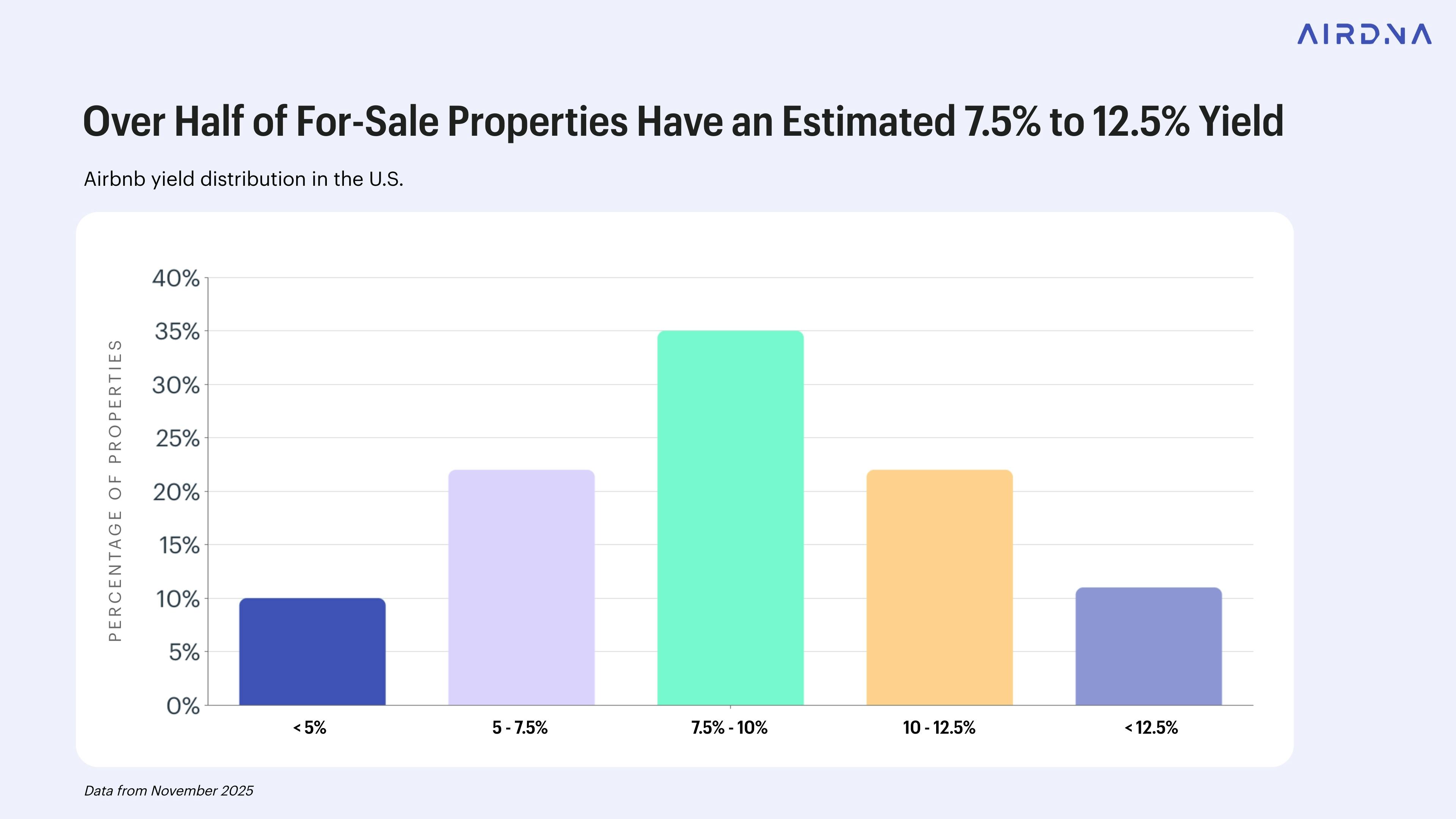
Type the complete property address into the designated field. Include the unit number to ensure the tool queries the correct comp set. This is the primary trigger for the calculator to begin its data pull.

Check the map preview to confirm the pin is accurate. Adjust if the marker falls in a neighboring district, as zoning and neighborhood dynamics directly impact short-term rental pricing power.
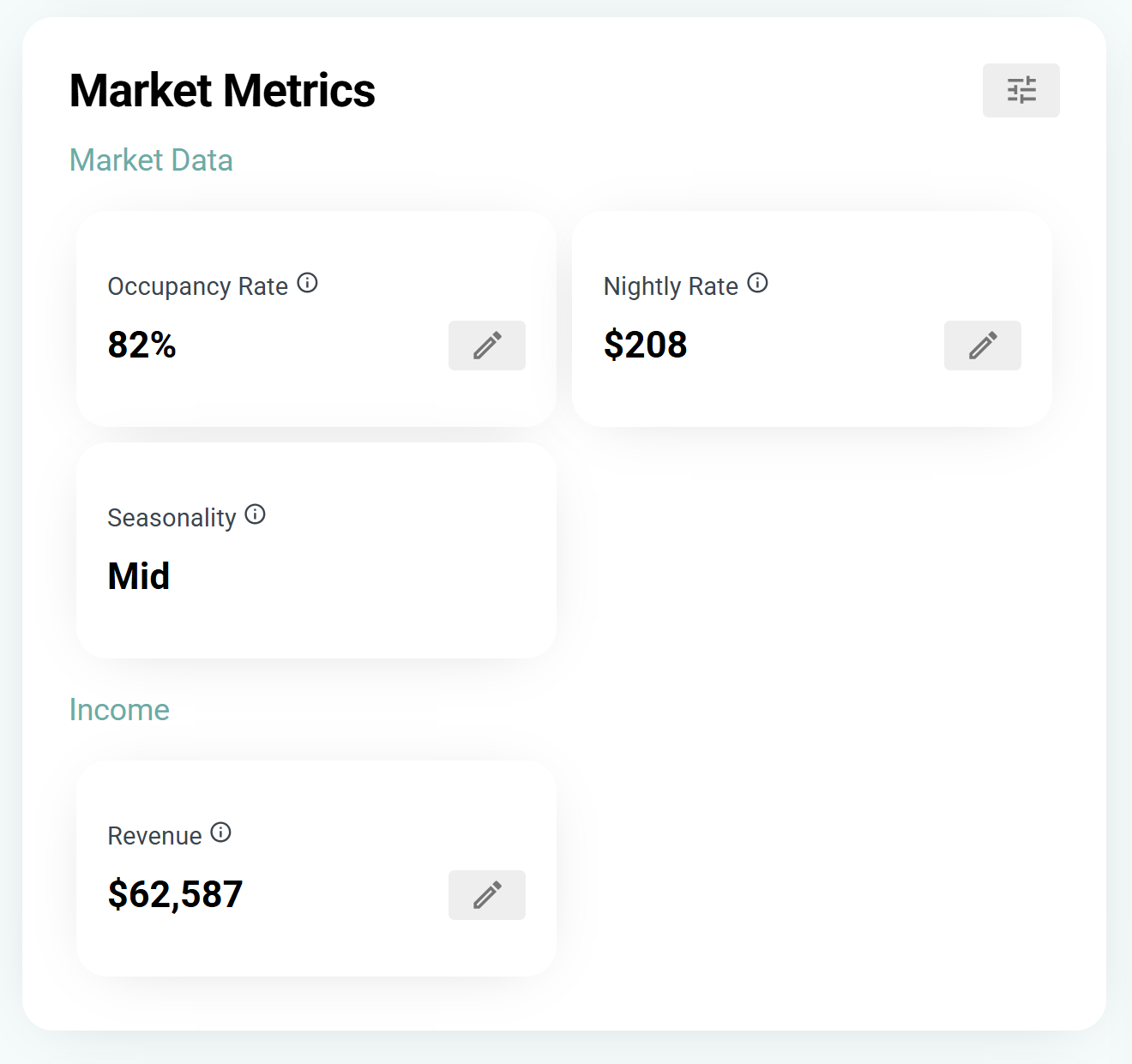
Choose "Entire Home," "Private Room," or "Shared Room" to match your actual listing. This filters the market data to ensure your revenue projections are based on comparable competitors.
Adjust occupancy and daily rates
Most Airbnb revenue calculators begin with optimistic defaults. They often assume 100% occupancy or average daily rates (ADR) pulled from a broad market average that includes luxury properties. If you use these raw numbers, your return on investment projections will likely fail to match reality.
To get accurate ROI, you must replace the calculator’s default assumptions with conservative, hyper-local data. This process involves two specific adjustments: lowering your occupancy estimate and anchoring your daily rate to actual comparable listings.
1. Lower the occupancy assumption
Start by reducing the occupancy percentage. A common mistake is assuming a property will be booked every night. In practice, seasonality, holidays, and market saturation create gaps.
Take the calculator’s default occupancy rate and reduce it by 15-20%. If a tool suggests 80% occupancy, adjust it to 65%. This buffer accounts for the reality that new listings rarely achieve full capacity in their first year. This conservative approach prevents you from overestimating your cash flow.
2. Anchor daily rates to comparable listings
Next, refine the daily rate. Do not rely on the tool’s generic market average. Instead, look at the top 10-20 comparable properties in your immediate neighborhood.
Calculate the average nightly rate of these specific competitors, excluding outliers. Use this number as your baseline ADR. If your property is smaller or lacks premium amenities, adjust the rate downward by 10%. This ensures your revenue projections are grounded in the actual pricing power of your specific asset.
Compare projections
The table below illustrates how adjusting these two variables shifts your annual revenue. Notice the significant drop in net income when you move from optimistic defaults to conservative, data-backed assumptions.
| Metric | Default Calculator | Adjusted Conservative | Impact |
|---|---|---|---|
| Occupancy Rate | 80% | 65% | -15% |
| Daily Rate (ADR) | $250 | $210 | -16% |
| Annual Gross Revenue | $73,000 | $55,650 | -23.7% |
| Estimated Net Profit | $21,900 | $16,695 | -23.7% |
Subtract operating expenses
Gross revenue is the total amount a guest pays before any deductions. It does not reflect what you actually keep. To calculate accurate ROI, you must subtract every cost associated with running the listing. This includes fixed fees, variable service charges, and operational overhead.
An Airbnb revenue calculator simplifies this by allowing you to input these costs alongside your estimated income. The tool then computes the net profit margin, giving you a realistic view of the property's financial health. Without this step, your projections will be overly optimistic and potentially misleading.
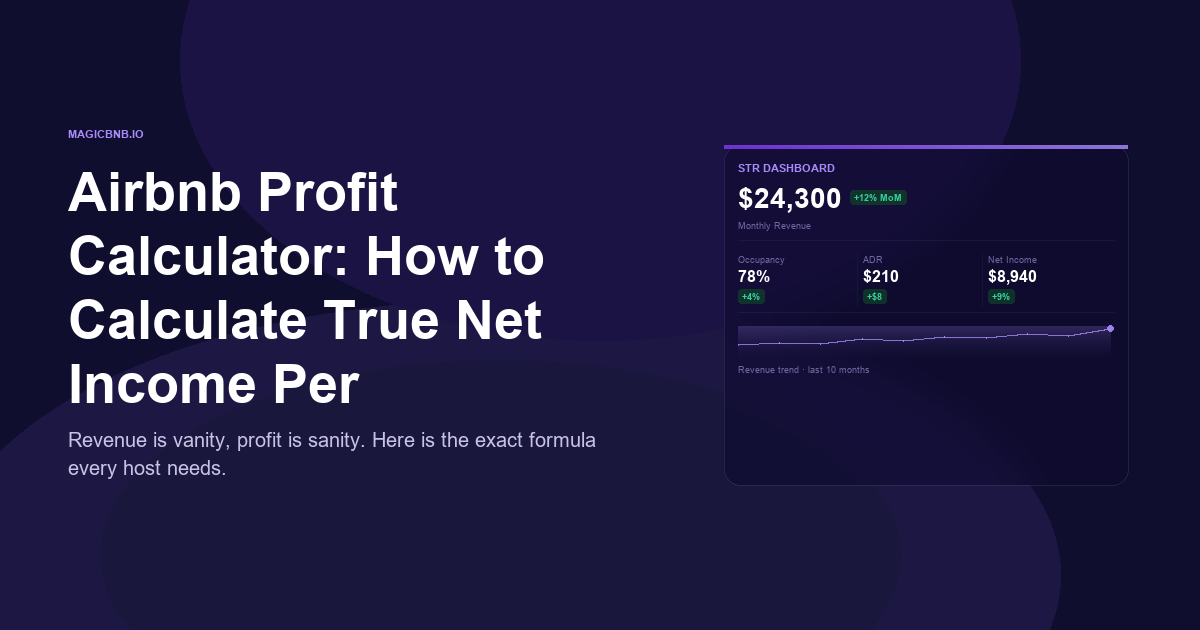
When entering these figures, use conservative estimates. Market data from Airbnb's official earnings tools 1 suggests that unexpected costs often exceed initial guesses. By accounting for all expenses, you ensure your ROI calculation reflects the true profitability of your investment.
Calculate cap rate and cash flow
An Airbnb revenue calculator provides a revenue estimate, but that number is only useful if you subtract the costs of running the business. To understand your true return, you need to translate that net operating income (NOI) into specific investment metrics. The two most important are the Cap Rate and Cash-on-Cash return.
Net Operating Income
Start by determining your Net Operating Income. This is your gross rental income minus all operating expenses, excluding mortgage payments. Operating expenses include property management fees, cleaning, utilities, insurance, taxes, and maintenance.
Cap Rate
The Capitalization Rate (Cap Rate) measures the return on the property’s value, independent of how you finance it. It helps you compare this investment against other real estate opportunities.
Formula: Cap Rate = NOI / Current Market Value
For example, if your property generates $20,000 in annual NOI and is valued at $400,000, your Cap Rate is 5%. A higher Cap Rate generally indicates a higher potential return, but it may also signal higher risk or a less desirable location.
Cash-on-Cash Return
While Cap Rate looks at the whole property, Cash-on-Cash return focuses on the actual cash you invested. This includes your down payment, closing costs, and initial renovation expenses. This metric is critical for understanding your actual liquidity and return on the money you put in.
Formula: Cash-on-Cash = Annual Pre-Tax Cash Flow / Total Cash Invested
If your annual pre-tax cash flow is $12,000 and you invested $60,000 in cash, your Cash-on-Cash return is 20%. This figure tells you how efficiently your cash is working for you.
Conservative Assumptions
When using an Airbnb revenue calculator, always apply conservative assumptions. Overestimate expenses and underestimate occupancy rates. Market data from sources like AirROI or PriceLabs provides estimates based on comparable properties, but actual performance can vary due to seasonality, local regulations, or unexpected maintenance issues. Building a buffer into your calculations protects you from over-leveraging and ensures your ROI projections remain realistic.
Common calculation mistakes
Even with a reliable Airbnb revenue calculator, your ROI projections can fail if you feed them optimistic assumptions. Small errors in your input data compound quickly, turning a promising investment into a money loser. To protect your capital, you must treat these estimates as conservative baselines rather than guaranteed outcomes.
The most frequent error is ignoring seasonality. Many hosts input an average occupancy rate for the entire year, which masks the reality of peak and off-peak periods. A property might enjoy 90% occupancy in July but drop to 40% in November. Your calculator should allow you to adjust rates and occupancy month-by-month to reflect these local demand cycles accurately.
Underestimating vacancy rates is another costly mistake. While the 80/20 rule suggests that a small percentage of hosts capture most revenue, it also implies that the majority of listings struggle with consistent bookings. Do not assume 100% occupancy. A realistic vacancy rate of 15–25% accounts for cleaning, maintenance, and gaps between guests. Overlooking this gap will inflate your net income significantly.
Finally, do not forget hidden operational costs. Standard calculators often focus on mortgage, taxes, and insurance, but they miss the variable expenses that eat into profits. These include Airbnb service fees, utility bills, high-speed internet, and routine maintenance. If you are using a calculator to decide on a purchase, aim for a yearly revenue that covers at least 20% of the purchase price after all these expenses are deducted.
No comments yet. Be the first to share your thoughts!